
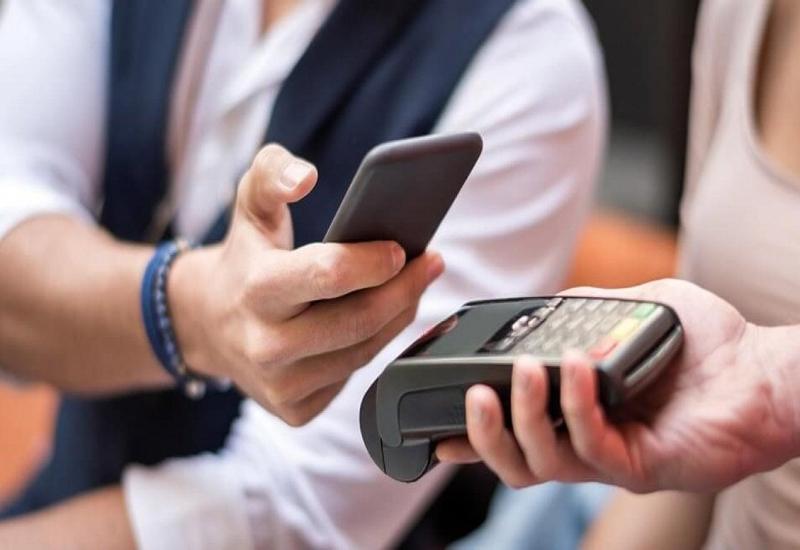
Based on our observations, many people interact with NFC daily — and do not suspect that this small chip makes payment, identification, and automation so simple. Perhaps you have already paid with one touch, connected a speaker, or opened the door to your apartment — but have not thought about how it works “under the hood.”
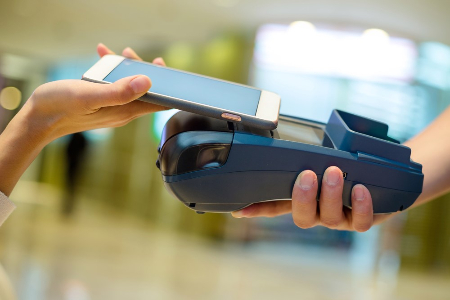
What is NFC and why is it important right now?
NFC (Near Field Communication) is a short-range radio protocol operating at 13.56 MHz. Its operating range is about 10 cm; data transfer speeds range from 106 to 848 kbit/s. Simple, fast, local — and, most likely, you already have this module in your pocket.
Three operating modes — briefly and with examples
Interaction formats determine what the device can do:
- RW (read/write) — the phone reads or writes data to a tag. Example: an electronic ticket at a bus stop.
- P2P (peer-to-peer) — exchange between two devices. Example: quick transfer of a contact or small file between phones.
- CE (card emulation) — the smartphone behaves like a card. Example: payment in a store via Apple Pay or Google Pay.
How interaction works — in simple words
The phone contains a tiny integrated circuit and an antenna. When you bring the device close to a terminal or tag, inductive exchange occurs: data is read or transmitted, and the device performs the prescribed action. No magic, but quite sophisticated: tokenization (generation of a one-time code) hides the real card details during payment — this is exactly what makes life difficult for fraudsters.
Where NFC brings real benefits — real-life use cases
Below are a few simple scenarios to reinforce your understanding of its applications.
Case 1. Payment in the metro. You speed up entry — bring your phone close, the terminal reads the token, and the fare is deducted. No cards, no receipts. Based on our observations, in cities with modern systems, passage through turnstiles reduces time during peak hours by up to 30%.
Case 2. Smart home. An NFC tag attached near the door: bring your phone close — the lights and music turn on, the alarm is disabled. Small automation — big time savings in the morning.
Case 3. Courier operation. A courier in Kyiv replaced manual data entry: a touch — client signature and photo in the route sheet. A few seconds instead of minutes, fewer errors.

Standards and compatibility
NFC supports a number of standards (ISO/IEC 18092, 21481, 14443 A/B, 15693, 18000-3m3). This provides compatibility between devices and terminals — but does not guarantee 100% compatibility: typically, it depends on the manufacturer’s implementation and the device’s firmware.
How to check if your smartphone has NFC?
Start with a simple inspection: sometimes there is an “N” icon on the back panel. Better yet — check the specifications on the manufacturer’s website or in the phone’s settings: sections like “Wireless networks,” “Connections,” or “NFC/Sharing options.” iPhones from iPhone 6 and later have NFC, although capabilities may vary depending on the iOS version.
If there is no built-in module — alternatives: an external USB/NFC adapter, a programmable NFC card, or tags. This is not an ideal solution, but it works.
What to do to make NFC work efficiently?
Here is a brief algorithm for setting up mobile payments — a little practice and you’re ready:
- Install Apple Pay or Google Pay (consider regional restrictions).
- Add a bank card: enter the details and confirm via SMS or the banking app.
- Enable biometrics or a PIN for unlocking — this is a mandatory security measure.
- Test the transaction on a test terminal or make a small purchase.
Why is that? Biometrics + tokenization reduce the risk of fraud: even if the signal is intercepted — the real card data is not transmitted.
How reliable is NFC security?
In short: safer than it seems. Tokenization and one-time codes (EMV tokens) significantly complicate the interception of funds. However, there are nuances: open or unfamiliar NFC tags may contain malicious URIs or redirects. Therefore, it is better to avoid random scans — especially in public places.
Practical security tips
- Do not scan suspicious tags; if in doubt — do not interact.
- Keep your OS and banking app updated; patches close known attack vectors.
- Use screen lock (PIN/biometrics) — a simple but effective barrier.
What is an NFC tag and how to use it?
An NFC tag is an electronic sticker with a unique programmable code. It can trigger a command: connect to Wi‑Fi, open a web page, enable Bluetooth, start a playlist — it all depends on the recorded scenario. Tags come in different types and memory sizes; for simple triggers, a few dozen bytes are enough.
Advantages and limitations — a quick summary
Advantages:
- Speed and convenience: payment, authorization, automation with one touch.
- Energy efficiency: tags often do not require a power source.
- High compatibility when standards are followed.
Limitations:
- Short range (≈10 cm) — sometimes a plus, sometimes a minus.
- Not all older devices have NFC; compatibility depends on the manufacturer’s firmware.
- Risk of social engineering through planted tags — be attentive.
Digital wallet: what to choose and why
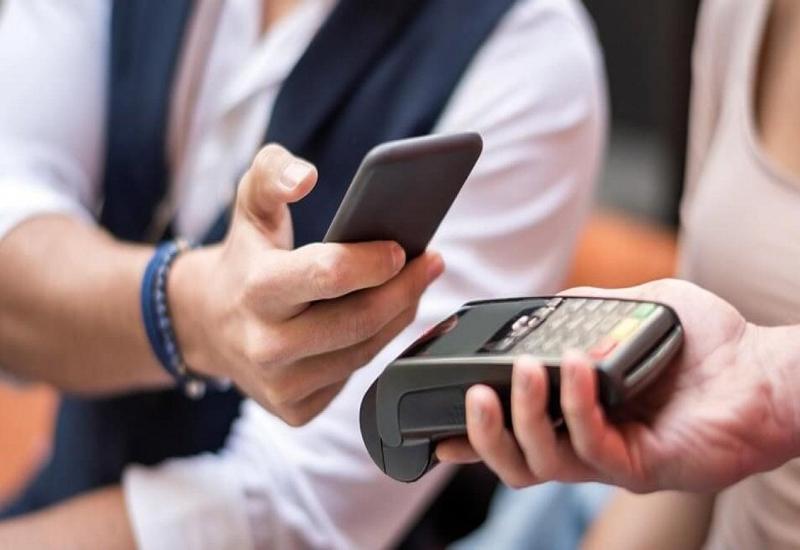
Apple Wallet and Google Wallet (formerly Google Pay) allow you to store cards, tickets, and passes. Tokenization ensures that your real card details are not transmitted during payment. This provides a sense of security and convenience — saving time, reducing risks, and gaining more control.
Brief conclusions — what to remember
NFC is a simple tool with deep capabilities: payment, identification, automation. It seems that in the coming years its implementation will only accelerate (especially in payments and smart devices). If you use a smartphone — check for NFC, set up your wallet, and follow basic security rules. This will give you speed, comfort, and a sense of control.

